Evo Classroom Kit (12 Bots) - Bit Replacement Program
STEAM made simple with 12 robots, tons of educator tools, and 2 ways to code
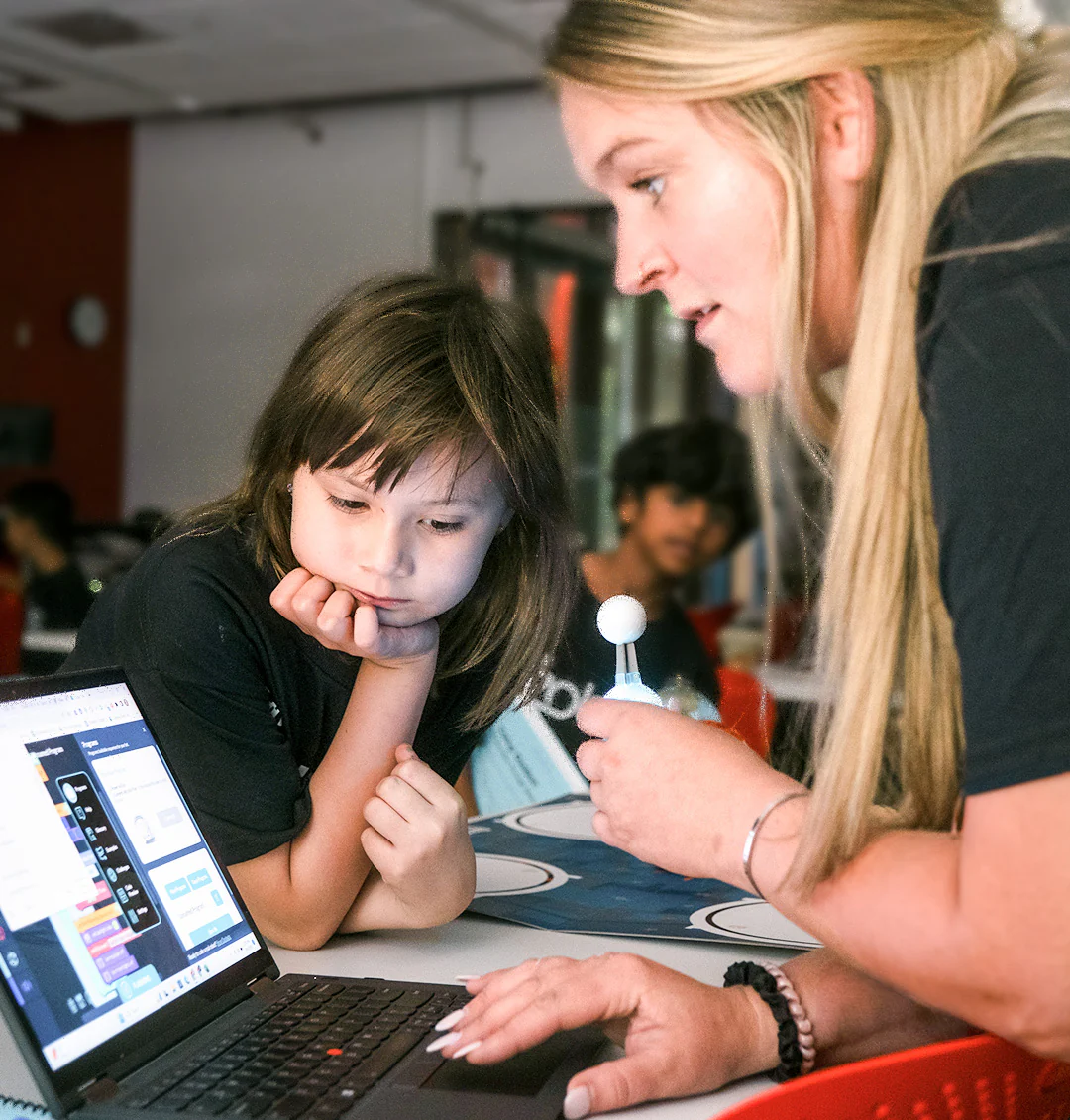
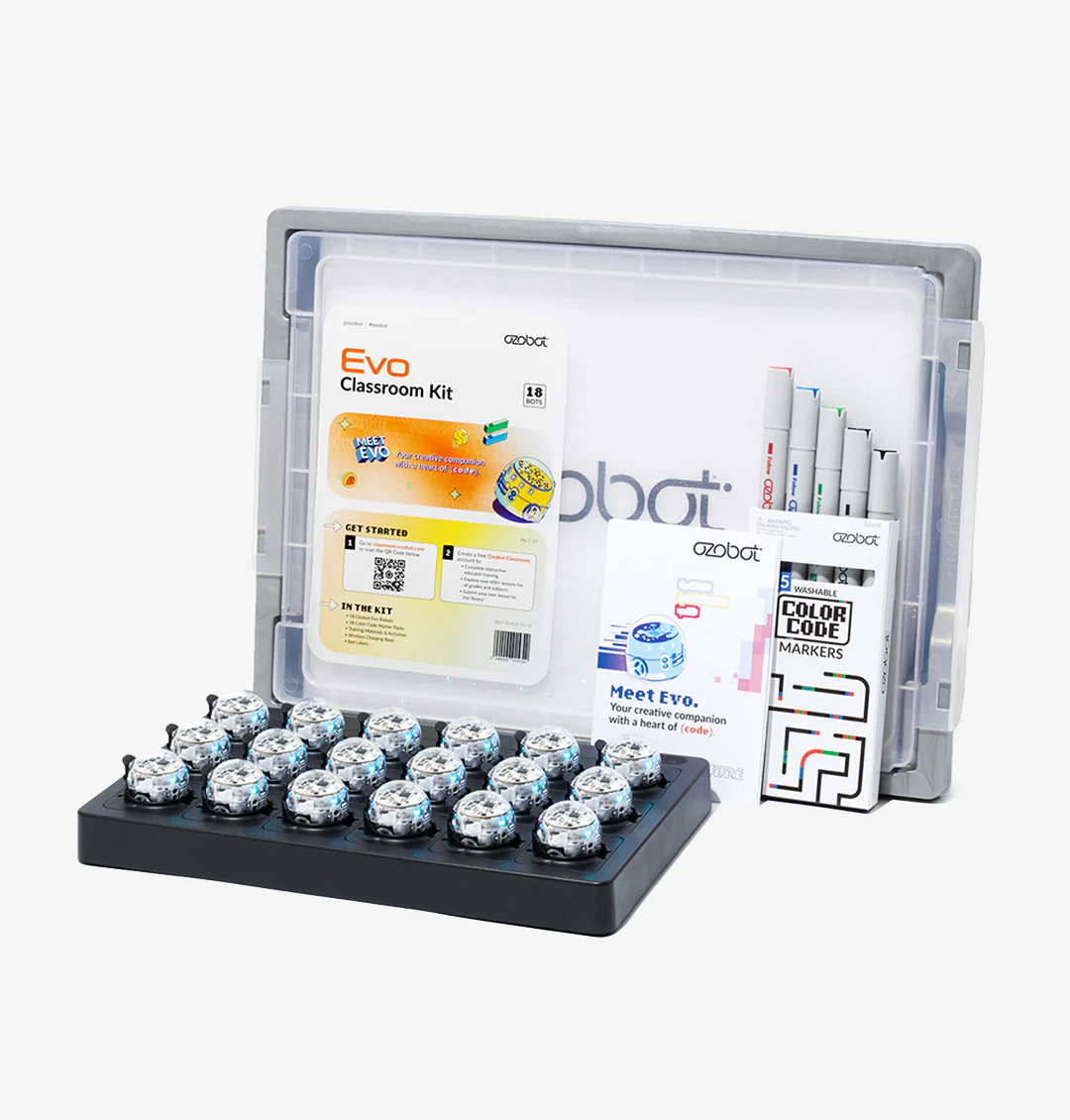
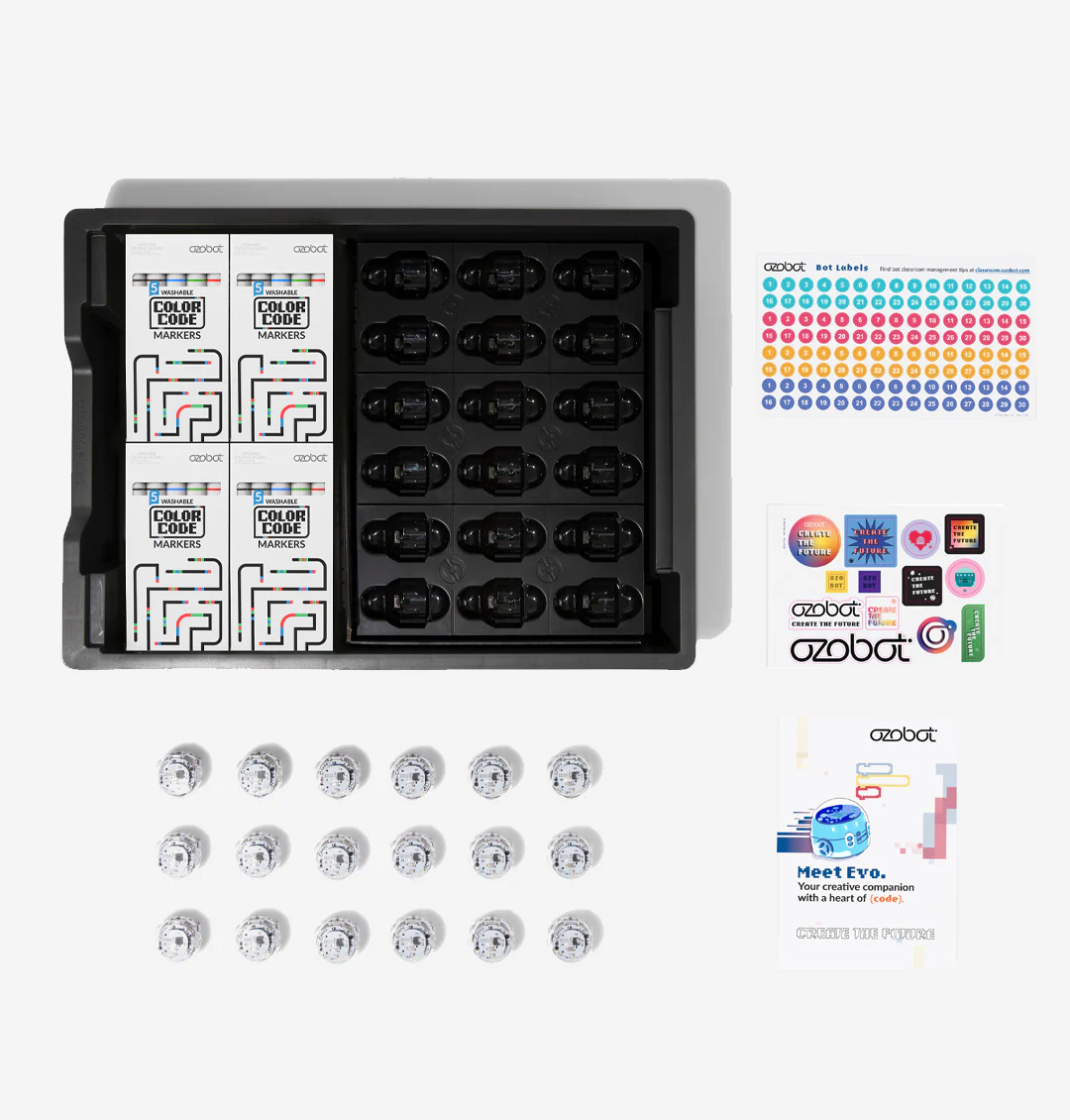
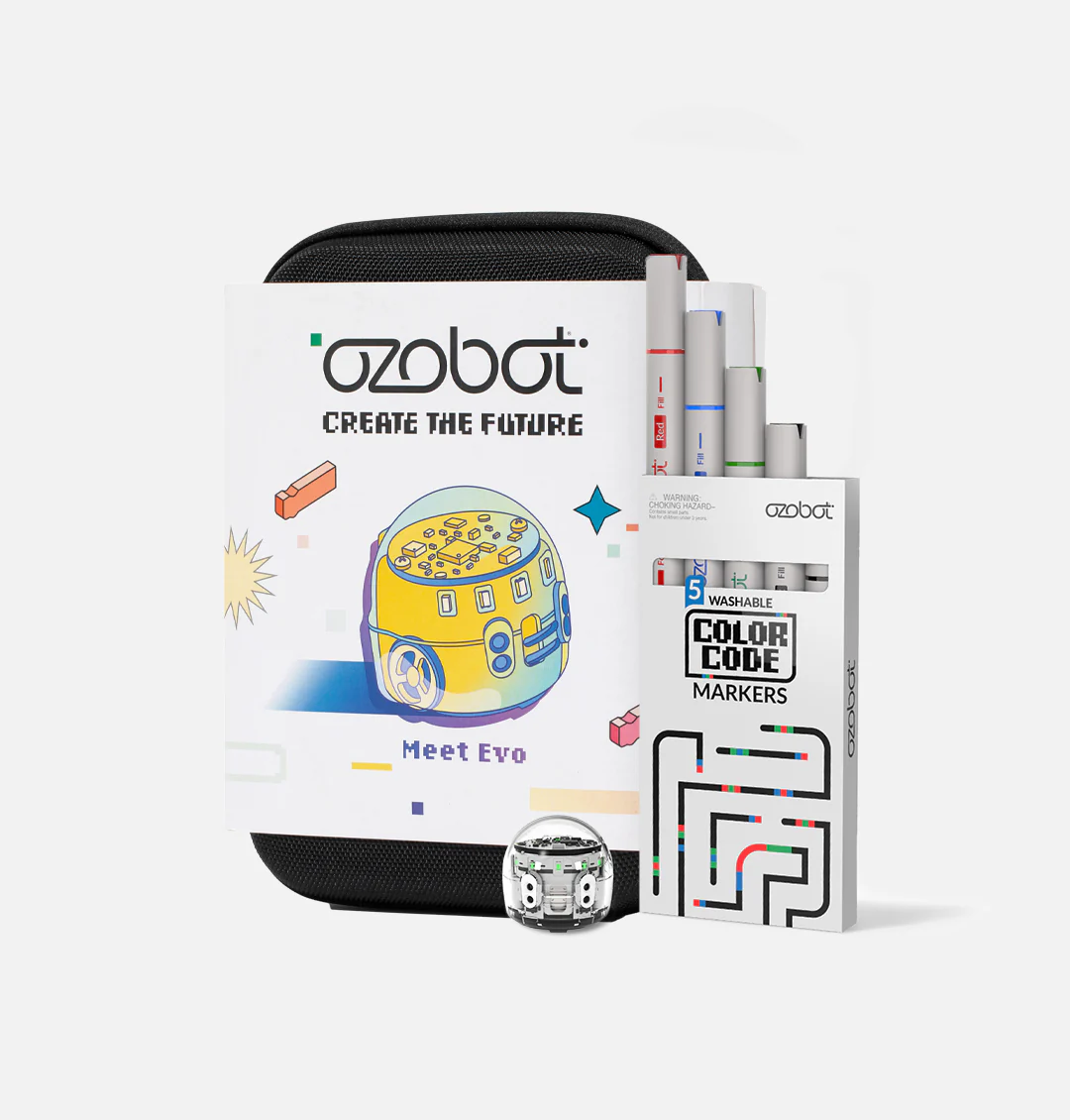
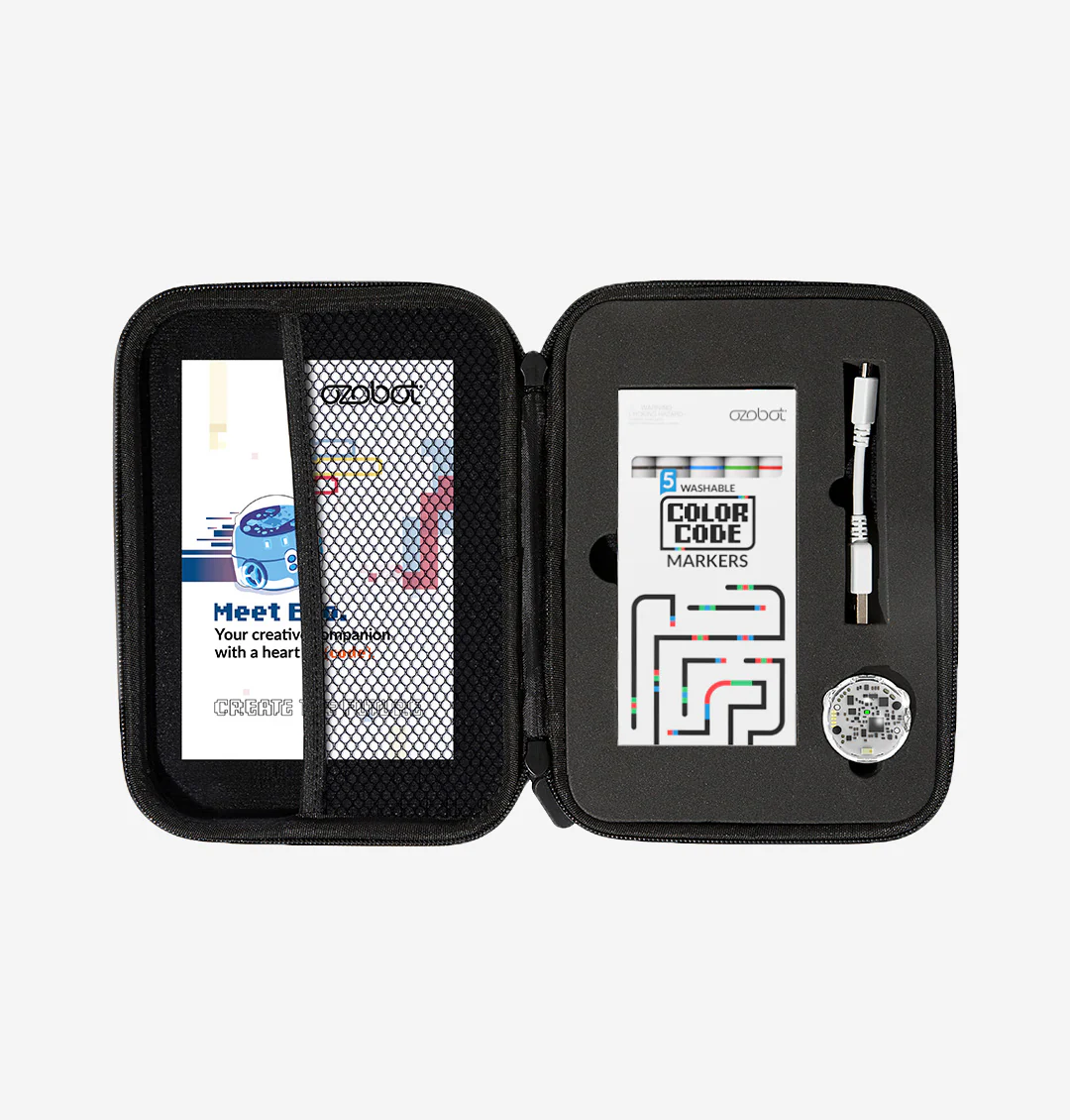
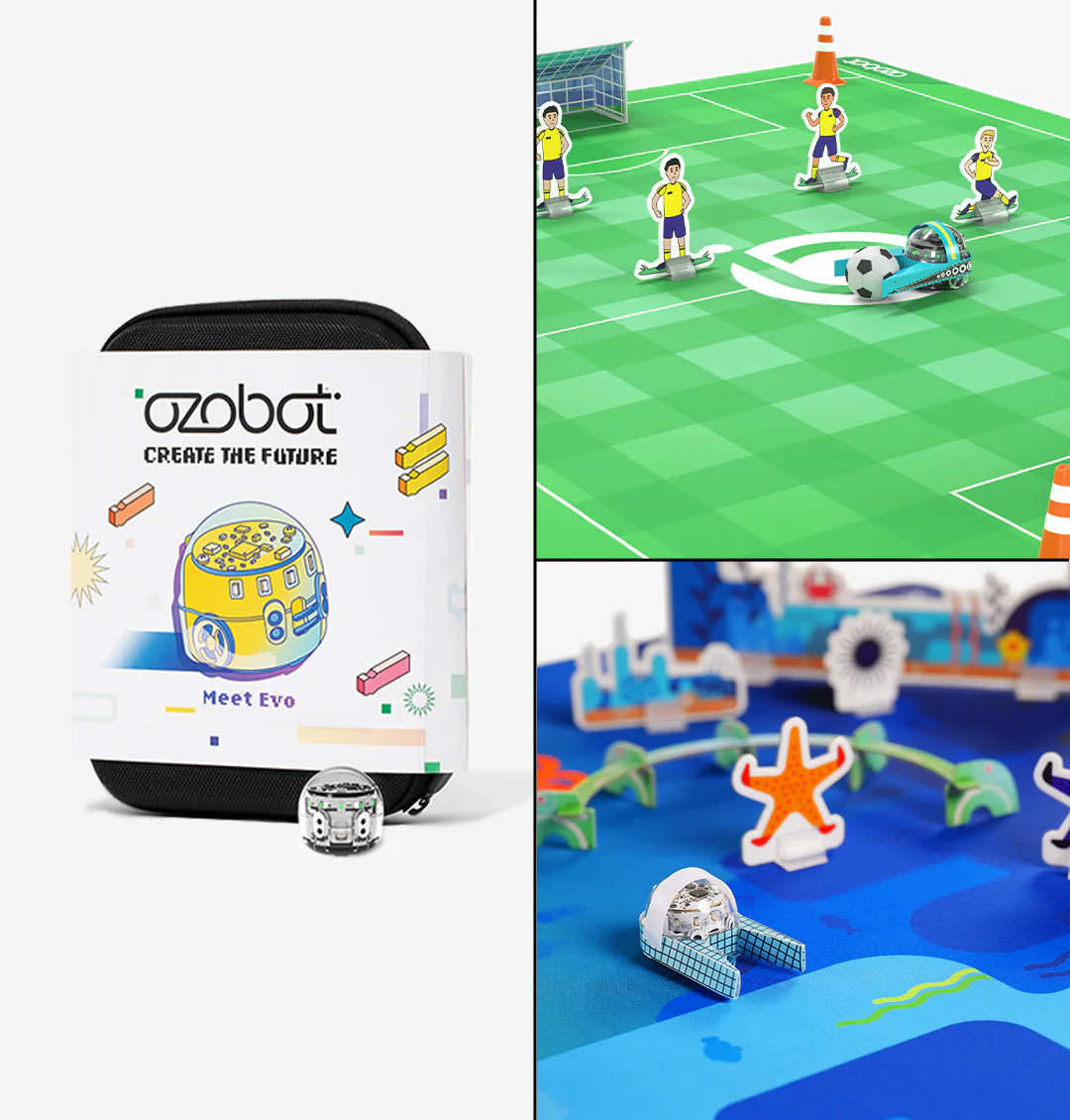
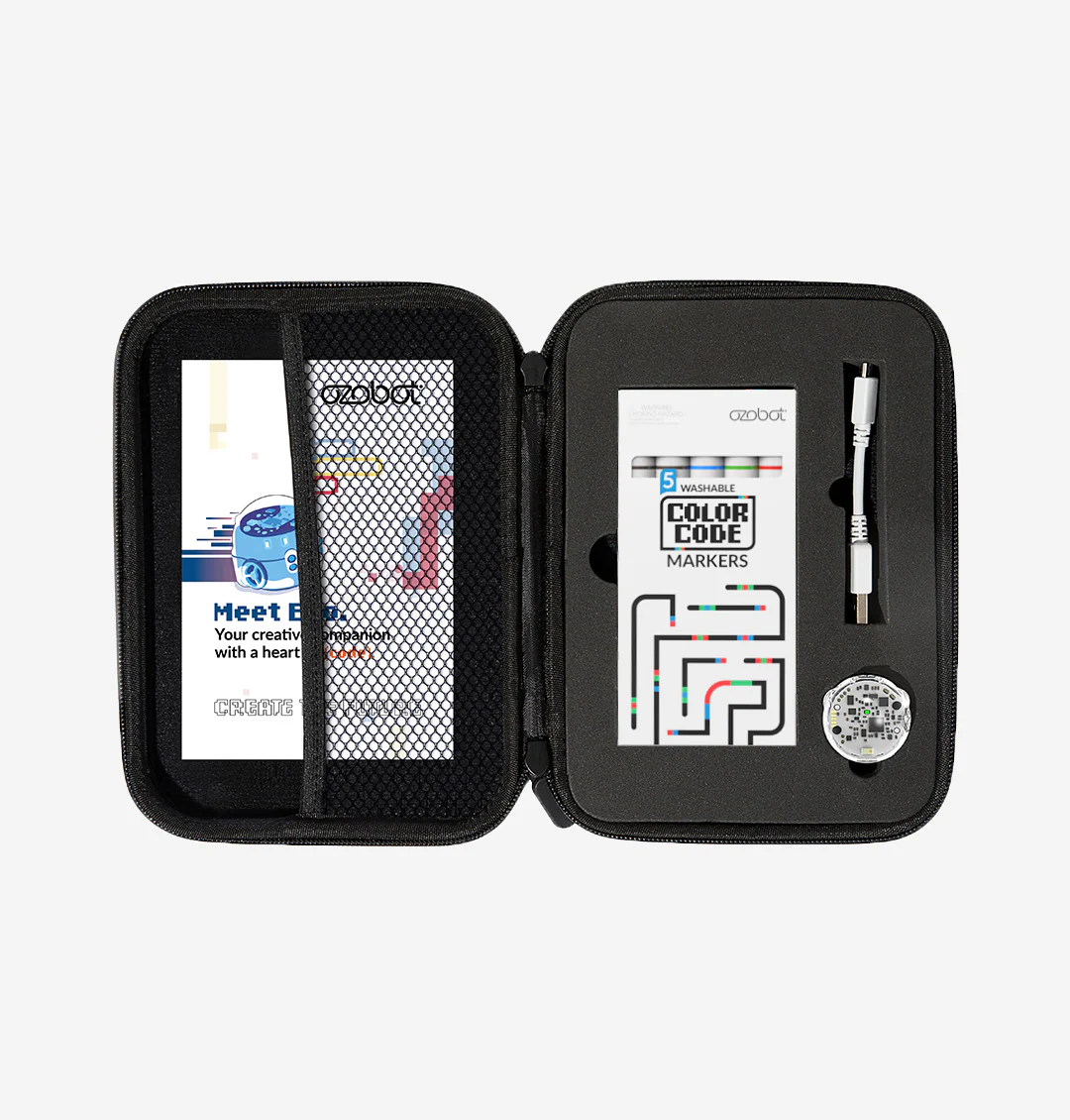
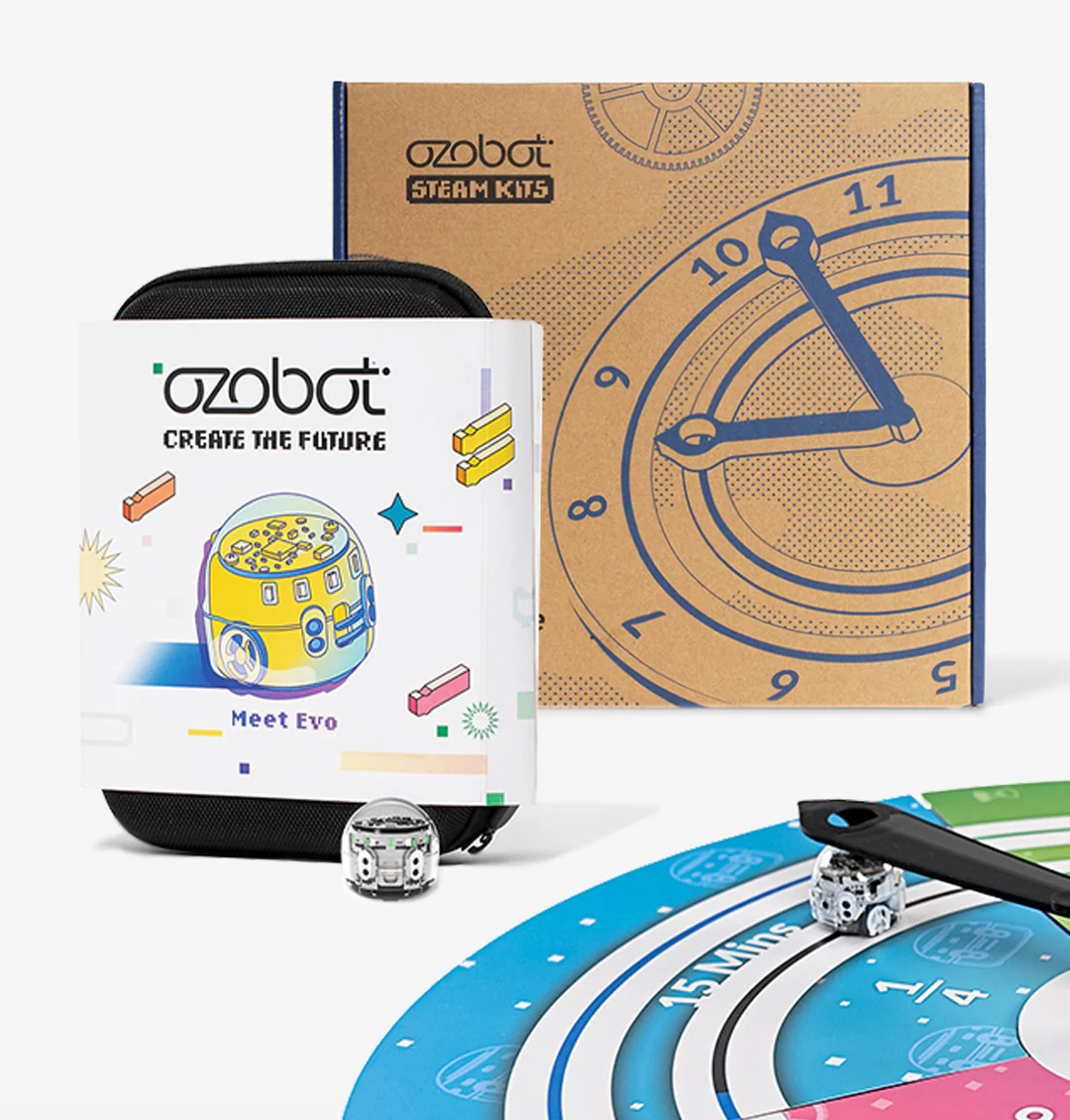
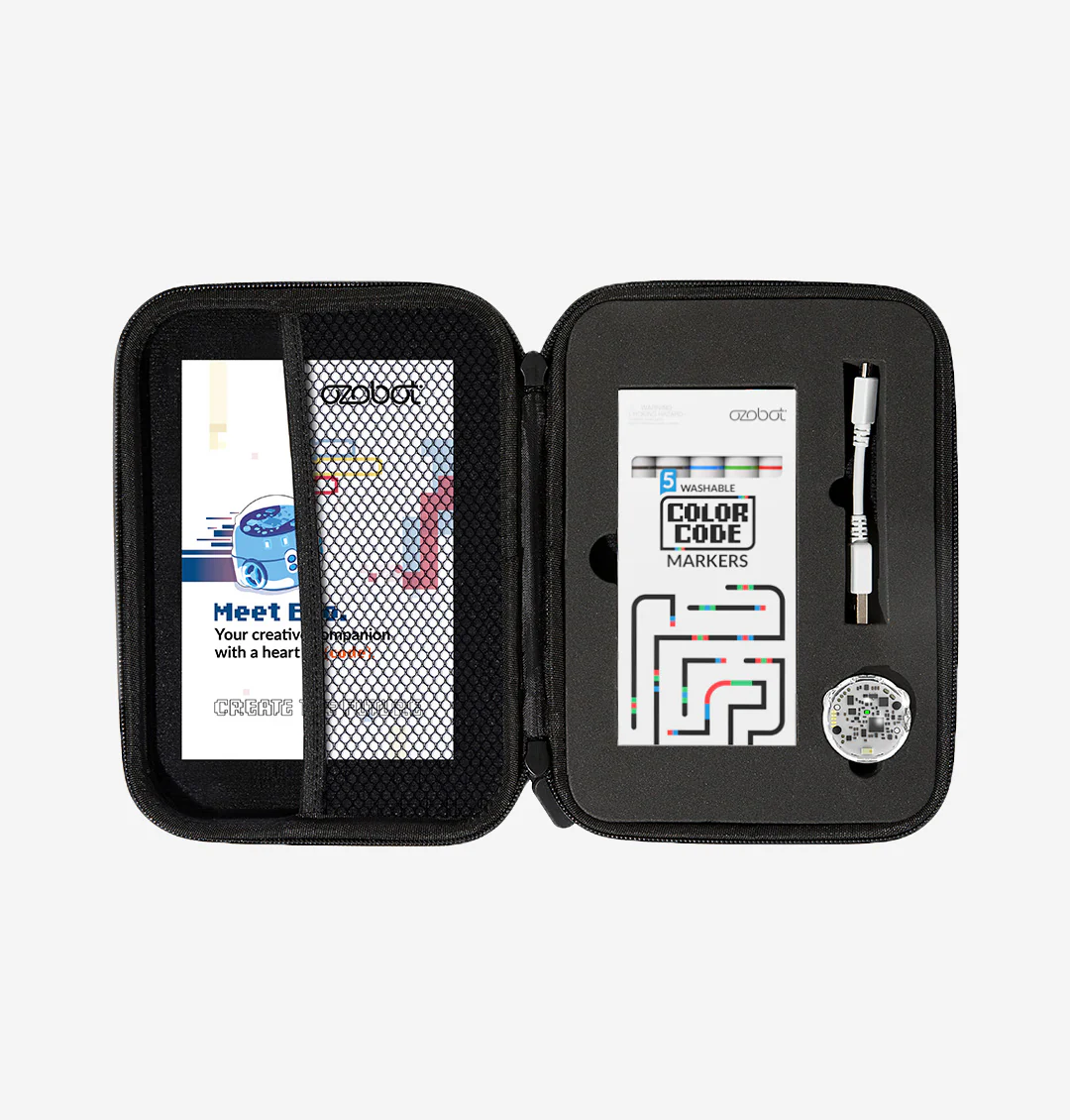
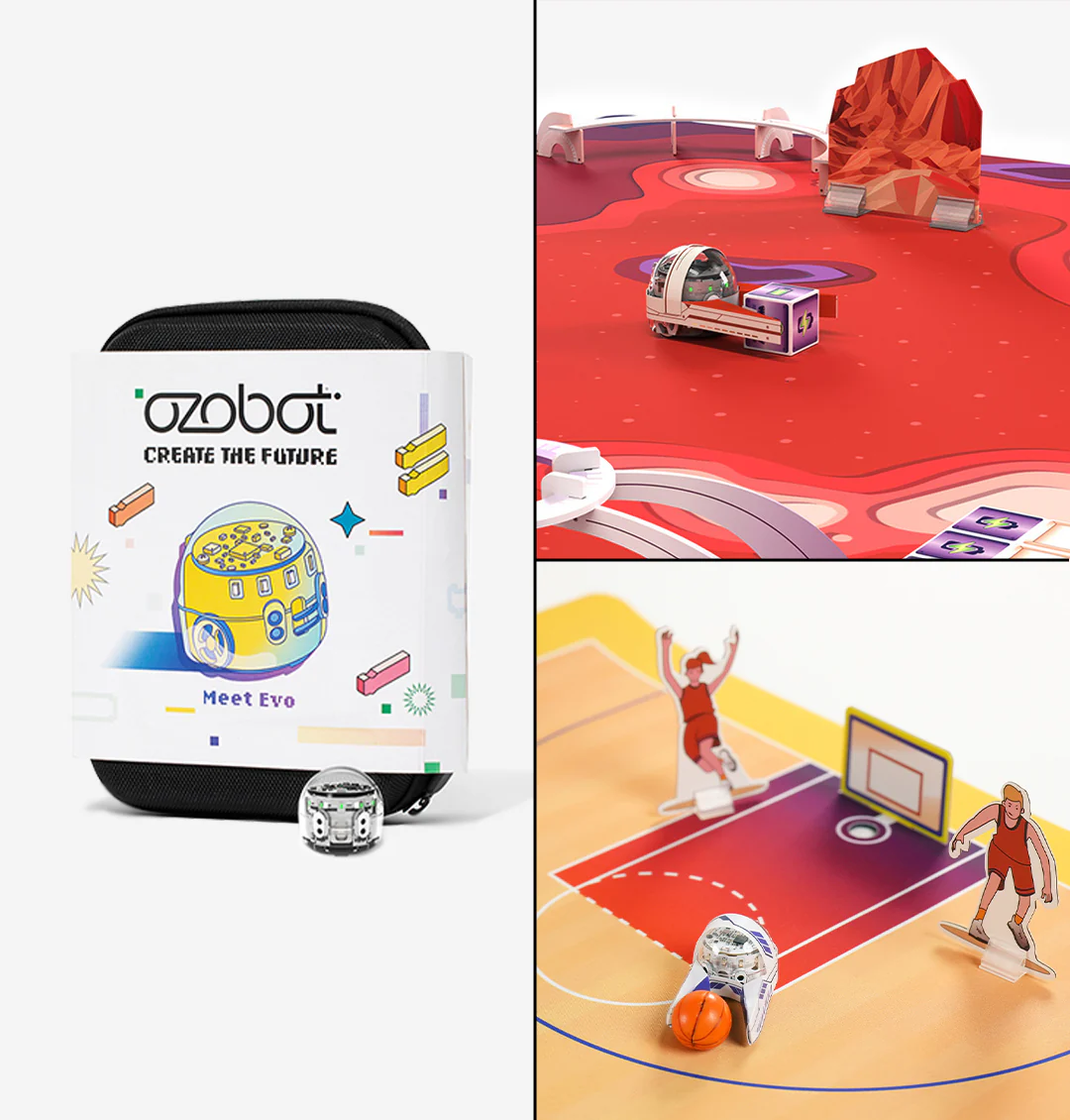
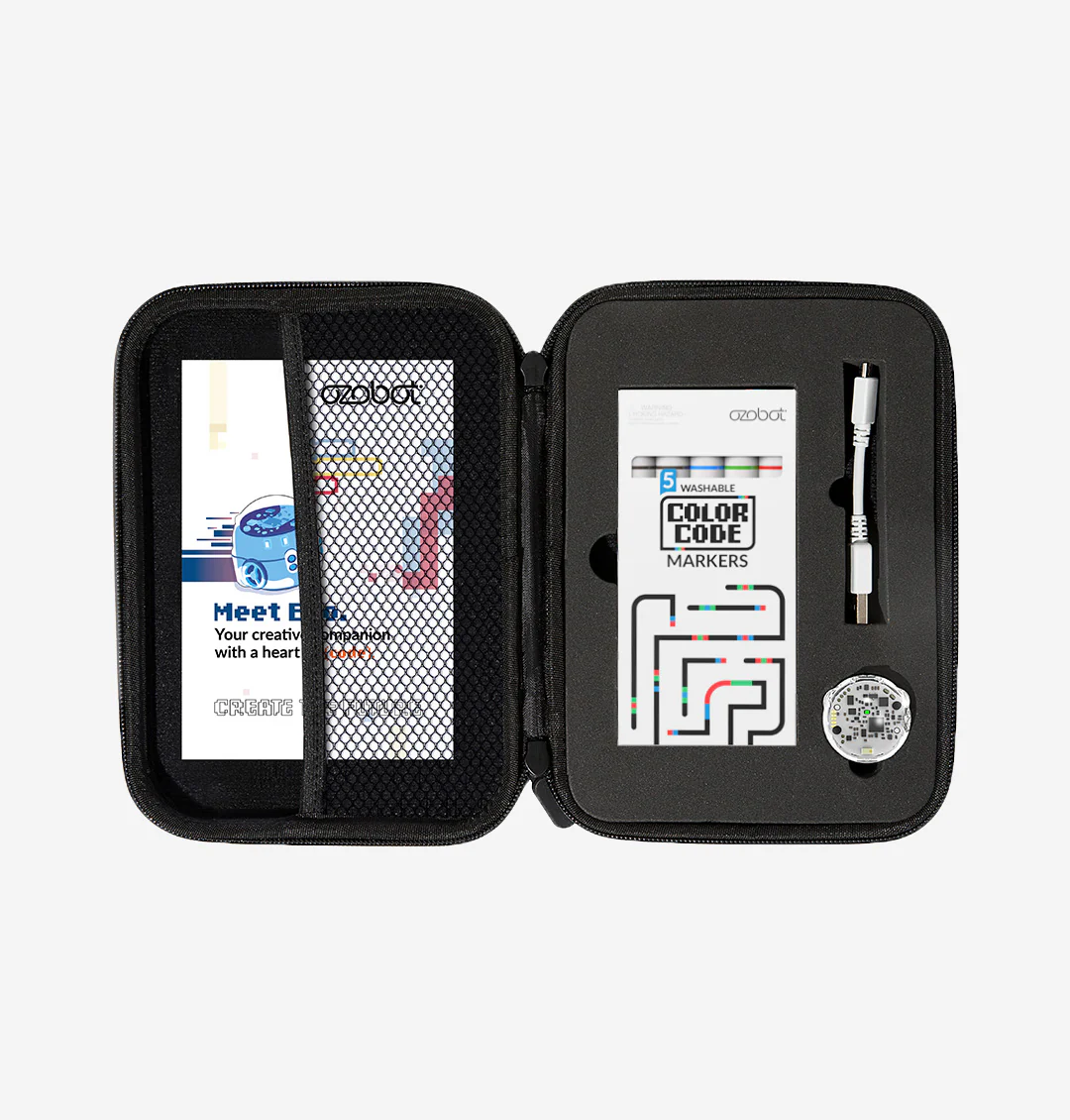
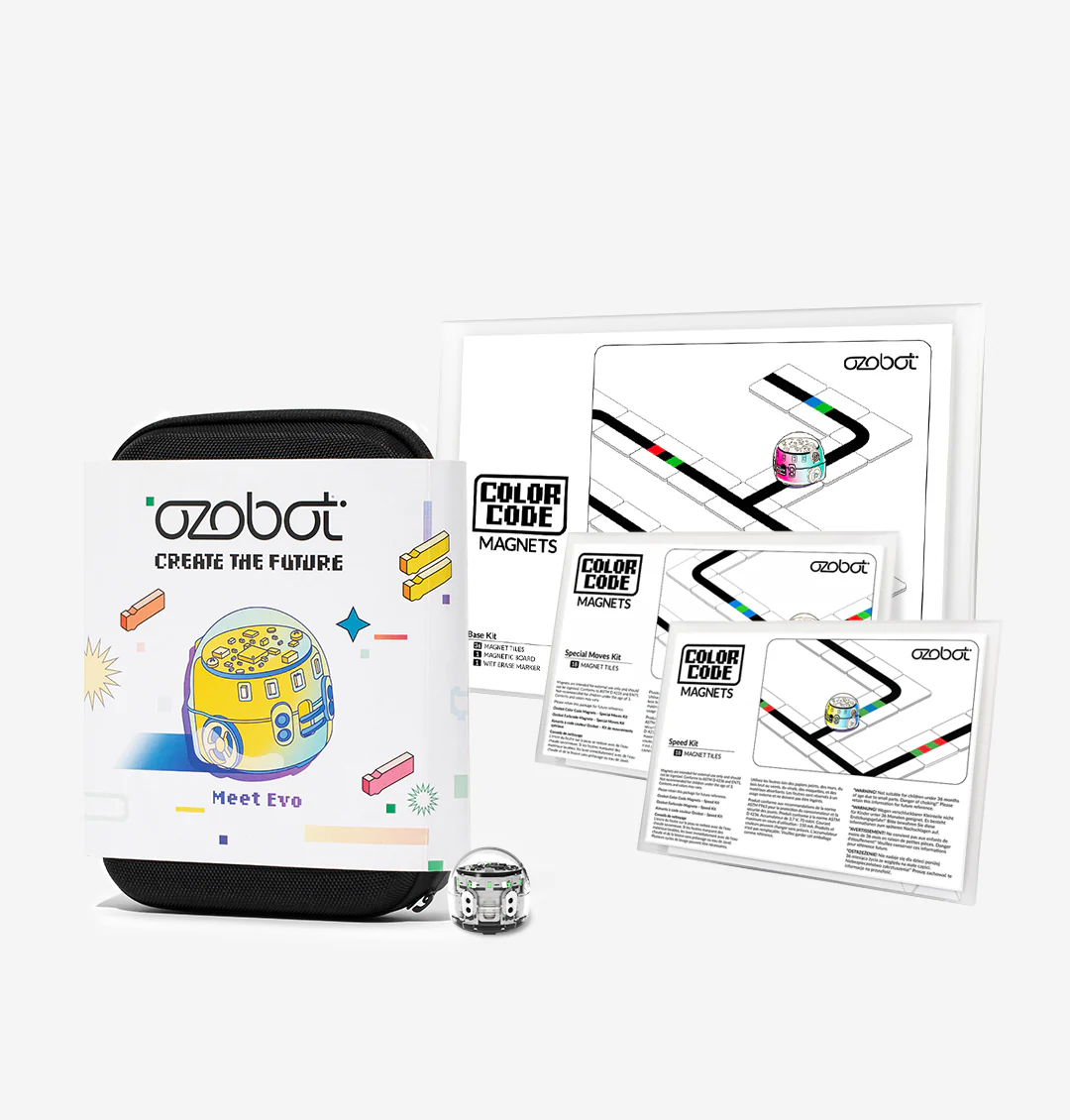
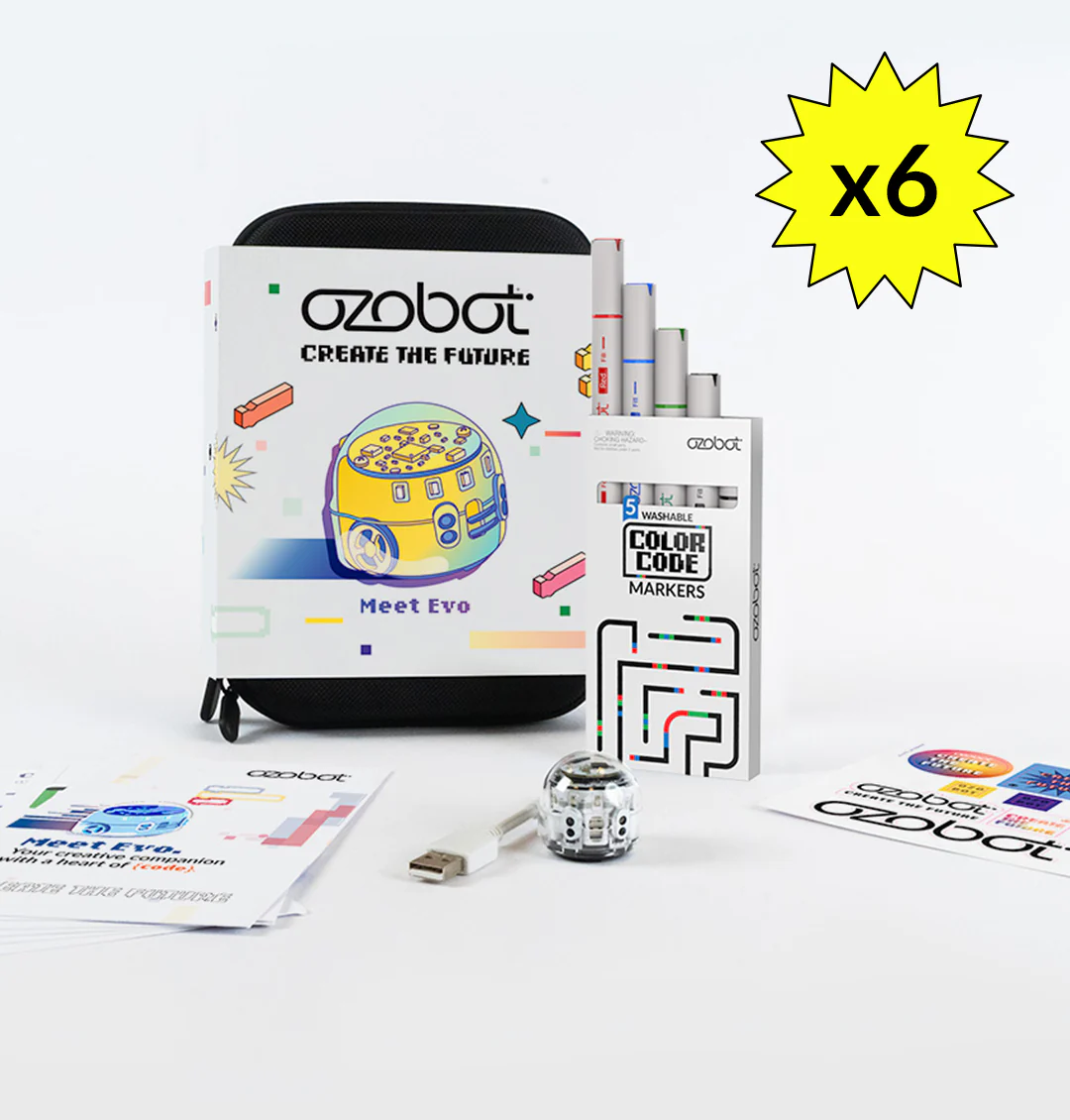
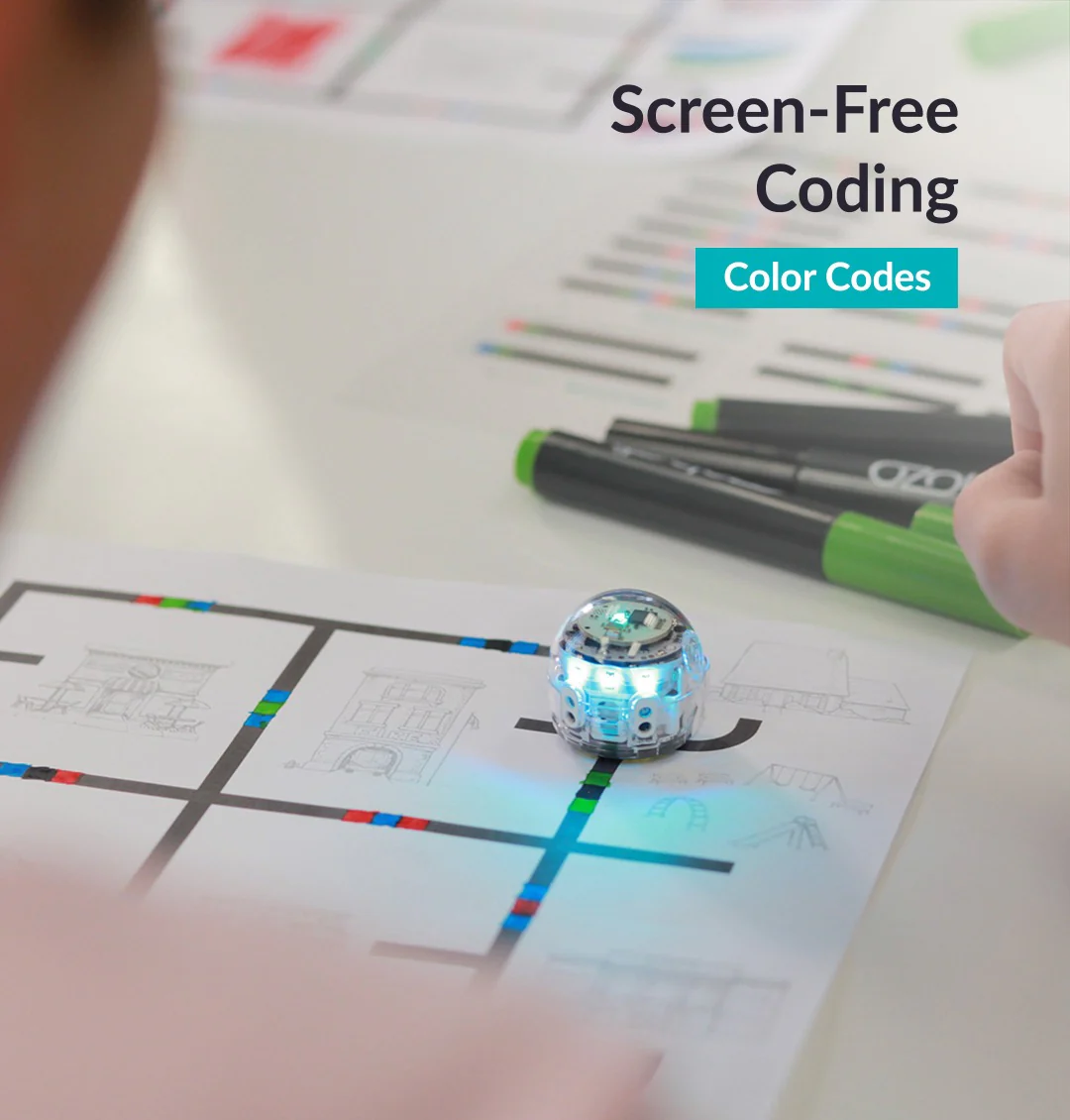
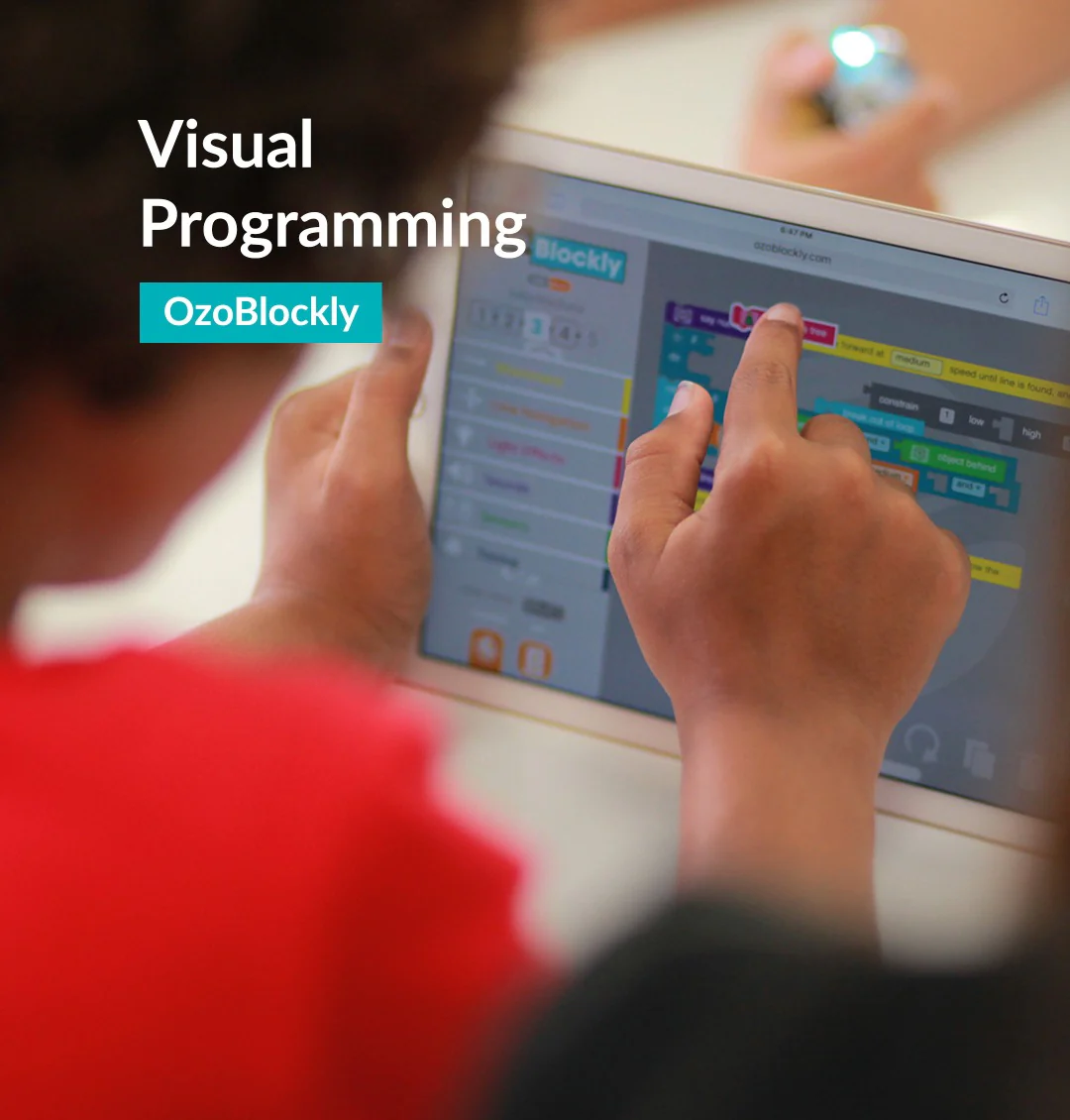
The Evo Classroom Kit comes with 12 Evo robots, 12 Dual-tip Color Code marker packs, bot stickers, wireless charging cradle and accessories. K-12 students can code Evo two ways: screen-free with Color Code markers and online with Ozobot Blockly visual programming or Python. Pair with a free Ozobot Classroom account to access over 700 free lessons covering STEAM, CS, and core subjects. Maximize your Ozobot program by adding Professional Development to your Classroom Kit order.
*Tax-exempt customers can upload documents at checkout to receive a refund on sales tax.


[TechSpecs]
Evo is a desk-friendly robot packed with tech, including:
- Bluetooth® Low Energy (30 ft. range)
- Ozobot Classroom connectivity
- Proximity sensors*
- Optical sensors* for detecting lines and Color Codes
- LED lights*
- Built-in speaker*
- Strong polycarbonate shell
- New feature firmware updates
-
Rechargeable LiPo battery (60 min. charge time)
* Program these features and more with Ozobot Blockly!
[/TechSpecs]
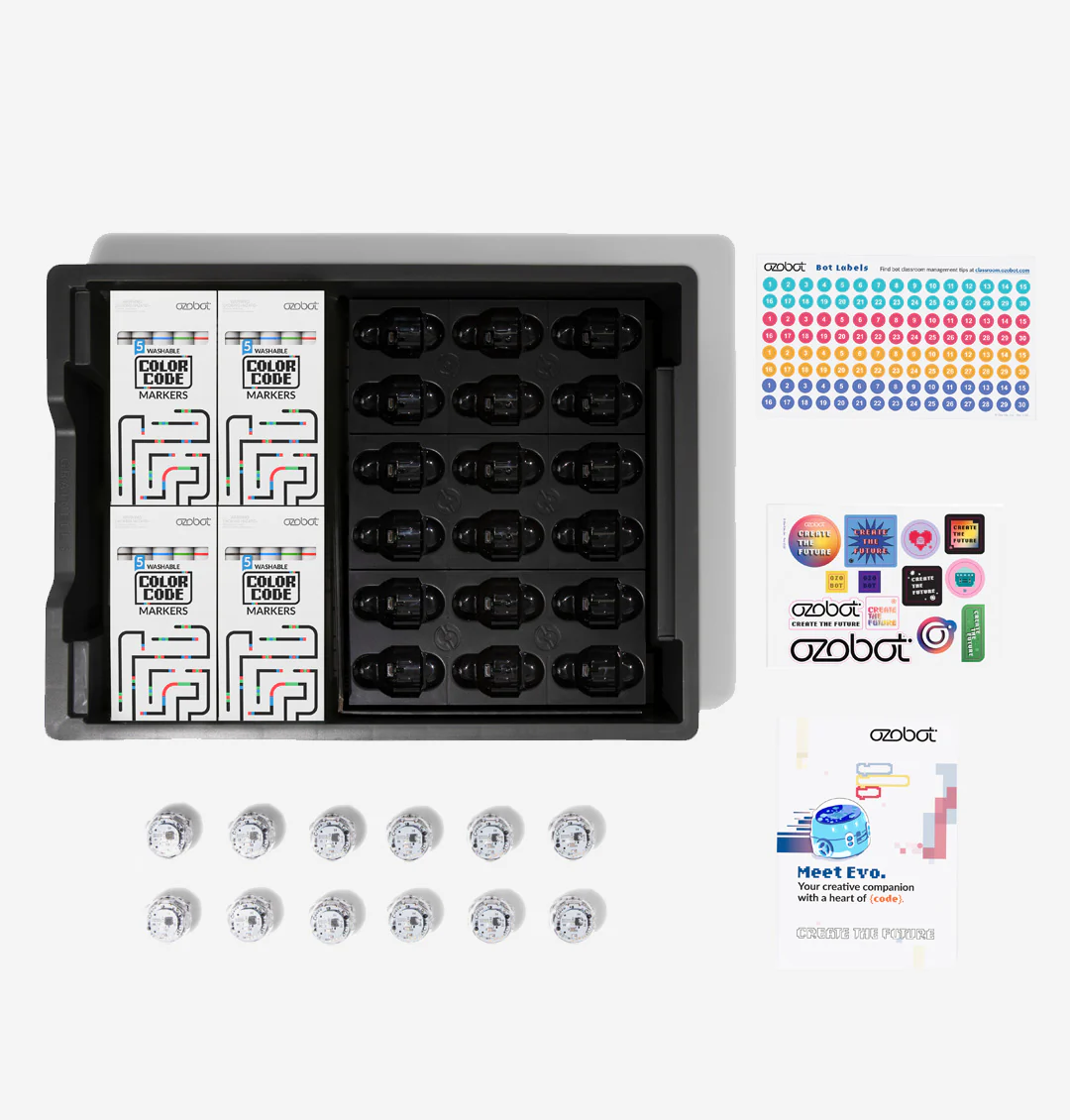
[InTheBox] - 12 Ozobot Evo Robots
- 12 Color Code Marker Sets
- Get Started Activities
- 1 Charging Cradle & Power Cable
- 1 Bot Label Sticker Pack
- 1 Ozobot Brand Sticker Pack
[/InTheBox]
[RecommendedDevices]
Teachers/parents – Ozobot Classroom, Ozobot’s lesson portal, supports computers with the Google Chrome or Microsoft Edge browser, including:
• Chromebook (Chrome OS mid-2016 or later)
• Apple Mac (macOS 10.13 or later)
• Windows 10 (V.20H2 or later)
Students – For coding with Ozobot Blockly, use a computer (recommended for Bluetooth loading) or tablet (excluding mini tablets). The following devices work best with Ozobot Blockly:
• Chromebook (Chrome OS mid-2016 or later)
• Apple Mac (macOS 10.13 or later)
• Windows 10 (V.20H2 or later)
• iOS tablets (2015 / iOS 13 or later)
• Android tablets (2017 / API 24 or later)
For using Ozobot Classroom with the Evo App, we recommend tablets and smartphones with these specs or higher:
• iOS (2017 / iOS 13 or later)
• Android (2017 / API 24 or later)
*All devices should support Bluetooth 4.2 at a minimum, with Bluetooth 5.0 or later recommended.
[/RecommendedDevices]
Product Information
Product Information
Shipping & Returns
Shipping & Returns
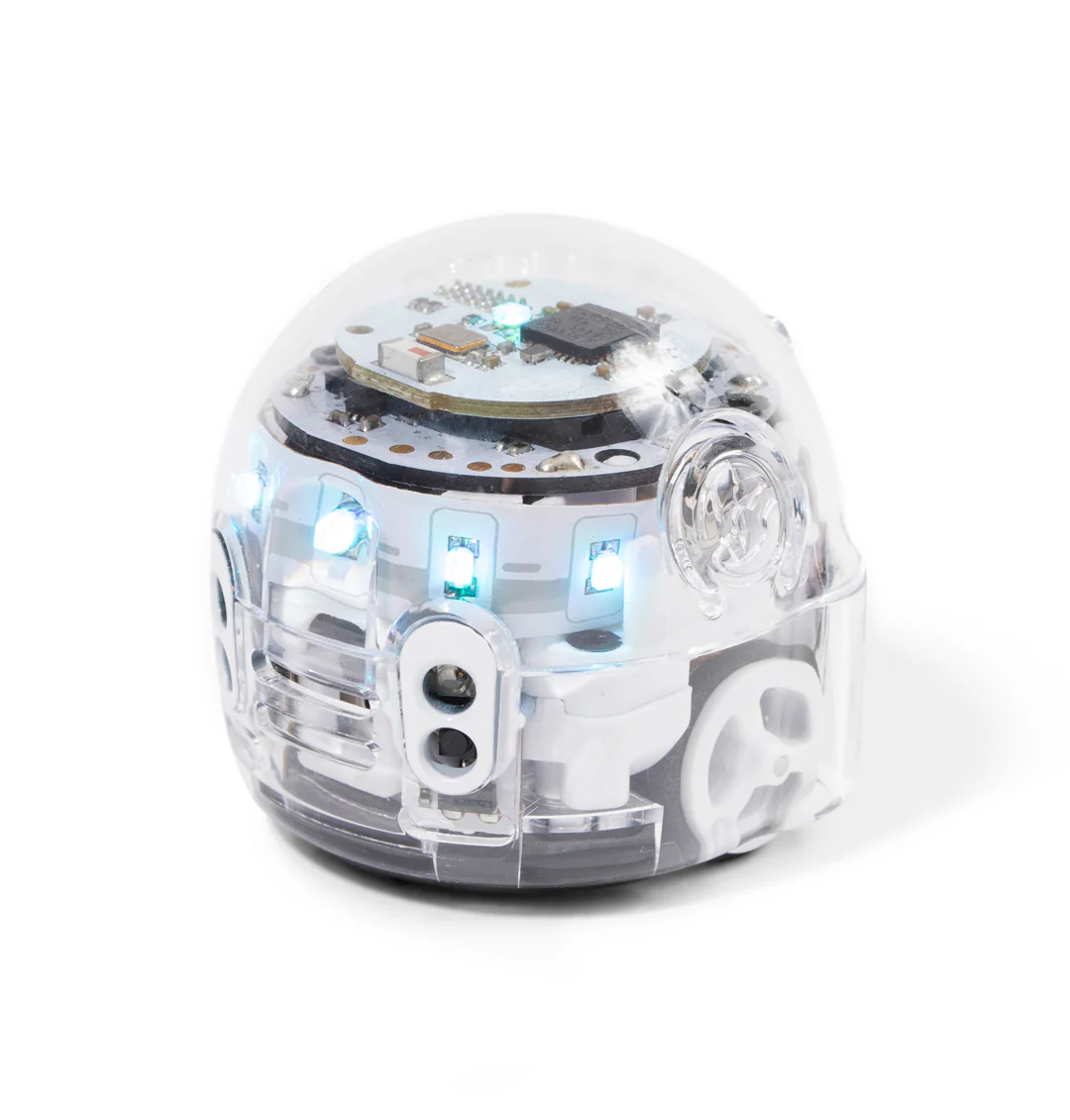
Evo Classroom Kit (12 Bots) - Bit Replacement Program
Evo Classroom Kit (12 Bots) - Bit Replacement Program
STEAM made simple with 12 robots, tons of educator tools, and 2 ways to code
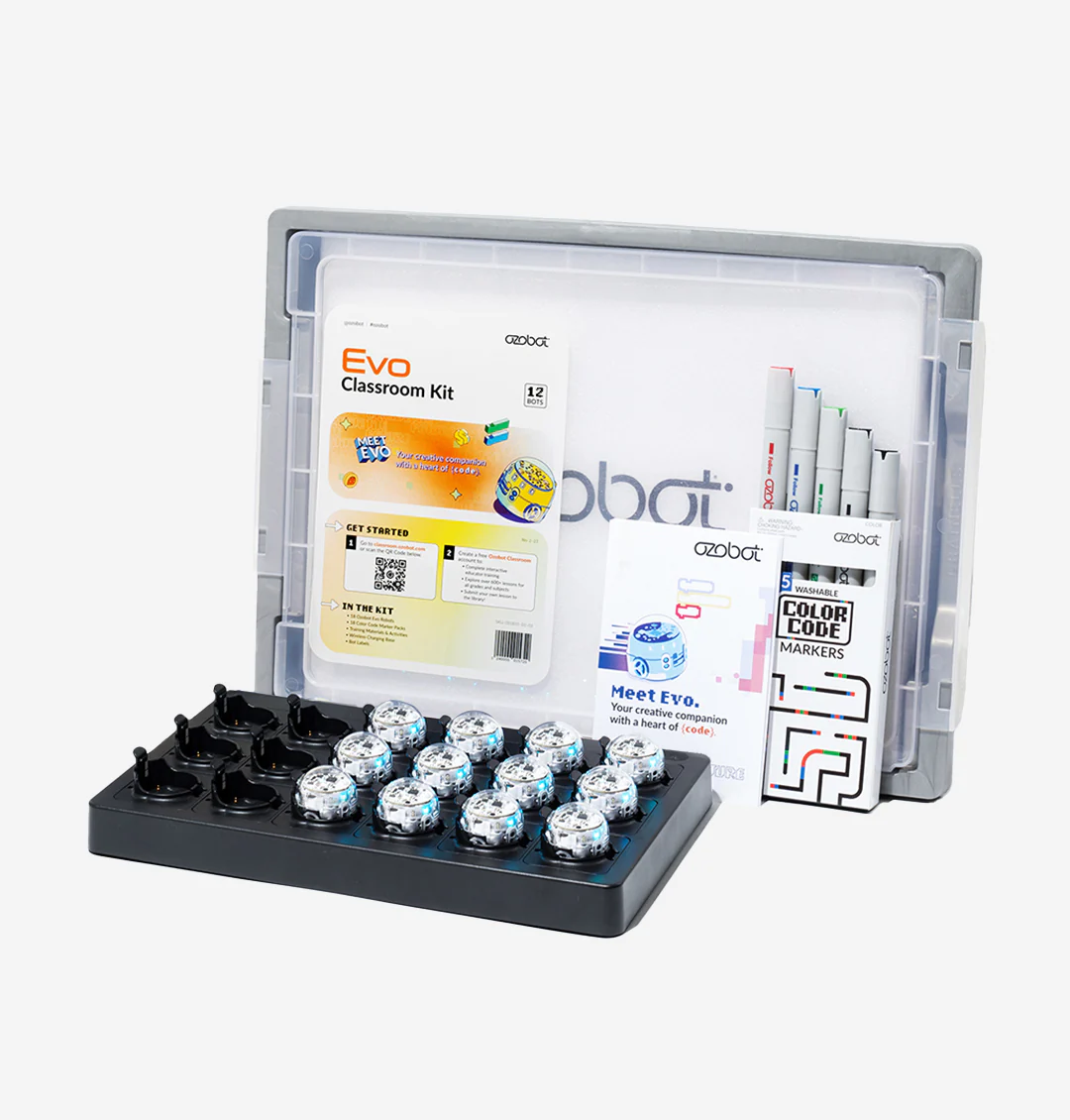
The Evo Classroom Kit comes with 12 Evo robots, 12 Dual-tip Color Code marker packs, bot stickers, wireless charging cradle and accessories. K-12 students can code Evo two ways: screen-free with Color Code markers and online with Ozobot Blockly visual programming or Python. Pair with a free Ozobot Classroom account to access over 700 free lessons covering STEAM, CS, and core subjects. Maximize your Ozobot program by adding Professional Development to your Classroom Kit order.
*Tax-exempt customers can upload documents at checkout to receive a refund on sales tax.
[TechSpecs]
Evo is a desk-friendly robot packed with tech, including:
- Bluetooth® Low Energy (30 ft. range)
- Ozobot Classroom connectivity
- Proximity sensors*
- Optical sensors* for detecting lines and Color Codes
- LED lights*
- Built-in speaker*
- Strong polycarbonate shell
- New feature firmware updates
-
Rechargeable LiPo battery (60 min. charge time)
* Program these features and more with Ozobot Blockly!
[/TechSpecs]
[InTheBox] - 12 Ozobot Evo Robots
- 12 Color Code Marker Sets
- Get Started Activities
- 1 Charging Cradle & Power Cable
- 1 Bot Label Sticker Pack
- 1 Ozobot Brand Sticker Pack
[/InTheBox]
[RecommendedDevices]
Teachers/parents – Ozobot Classroom, Ozobot’s lesson portal, supports computers with the Google Chrome or Microsoft Edge browser, including:
• Chromebook (Chrome OS mid-2016 or later)
• Apple Mac (macOS 10.13 or later)
• Windows 10 (V.20H2 or later)
Students – For coding with Ozobot Blockly, use a computer (recommended for Bluetooth loading) or tablet (excluding mini tablets). The following devices work best with Ozobot Blockly:
• Chromebook (Chrome OS mid-2016 or later)
• Apple Mac (macOS 10.13 or later)
• Windows 10 (V.20H2 or later)
• iOS tablets (2015 / iOS 13 or later)
• Android tablets (2017 / API 24 or later)
For using Ozobot Classroom with the Evo App, we recommend tablets and smartphones with these specs or higher:
• iOS (2017 / iOS 13 or later)
• Android (2017 / API 24 or later)
*All devices should support Bluetooth 4.2 at a minimum, with Bluetooth 5.0 or later recommended.
[/RecommendedDevices]
Original: $2,050.00
-70%$2,050.00
$615.00Product Information
Product Information
Shipping & Returns
Shipping & Returns
Description
STEAM made simple with 12 robots, tons of educator tools, and 2 ways to code
The Evo Classroom Kit comes with 12 Evo robots, 12 Dual-tip Color Code marker packs, bot stickers, wireless charging cradle and accessories. K-12 students can code Evo two ways: screen-free with Color Code markers and online with Ozobot Blockly visual programming or Python. Pair with a free Ozobot Classroom account to access over 700 free lessons covering STEAM, CS, and core subjects. Maximize your Ozobot program by adding Professional Development to your Classroom Kit order.
*Tax-exempt customers can upload documents at checkout to receive a refund on sales tax.
[TechSpecs]
Evo is a desk-friendly robot packed with tech, including:
- Bluetooth® Low Energy (30 ft. range)
- Ozobot Classroom connectivity
- Proximity sensors*
- Optical sensors* for detecting lines and Color Codes
- LED lights*
- Built-in speaker*
- Strong polycarbonate shell
- New feature firmware updates
-
Rechargeable LiPo battery (60 min. charge time)
* Program these features and more with Ozobot Blockly!
[/TechSpecs]
[InTheBox] - 12 Ozobot Evo Robots
- 12 Color Code Marker Sets
- Get Started Activities
- 1 Charging Cradle & Power Cable
- 1 Bot Label Sticker Pack
- 1 Ozobot Brand Sticker Pack
[/InTheBox]
[RecommendedDevices]
Teachers/parents – Ozobot Classroom, Ozobot’s lesson portal, supports computers with the Google Chrome or Microsoft Edge browser, including:
• Chromebook (Chrome OS mid-2016 or later)
• Apple Mac (macOS 10.13 or later)
• Windows 10 (V.20H2 or later)
Students – For coding with Ozobot Blockly, use a computer (recommended for Bluetooth loading) or tablet (excluding mini tablets). The following devices work best with Ozobot Blockly:
• Chromebook (Chrome OS mid-2016 or later)
• Apple Mac (macOS 10.13 or later)
• Windows 10 (V.20H2 or later)
• iOS tablets (2015 / iOS 13 or later)
• Android tablets (2017 / API 24 or later)
For using Ozobot Classroom with the Evo App, we recommend tablets and smartphones with these specs or higher:
• iOS (2017 / iOS 13 or later)
• Android (2017 / API 24 or later)
*All devices should support Bluetooth 4.2 at a minimum, with Bluetooth 5.0 or later recommended.
[/RecommendedDevices]